The Australian Internet Observatory Research Dashboard (AIOReD) is an interactive web based application designed to provide user friendly access to the API, to perform social media analysis. The dashboard allows users to interact with data present in the databases, along with some of the topic modelling results and word embeddings that are generated by the ‘live’ machine learning pipelines. The dashboard works best a stable internet connection, and on a laptop or desktop computer, as it can be network intensive when it is querying for large amounts of data, and performing analysis on the client side.
Authentication
The AIReD is accessible at https://www.aio.eresearch.unimelb.edu.au/dashboard/. On this page, a model will pop up and prompt for a AAF authentication
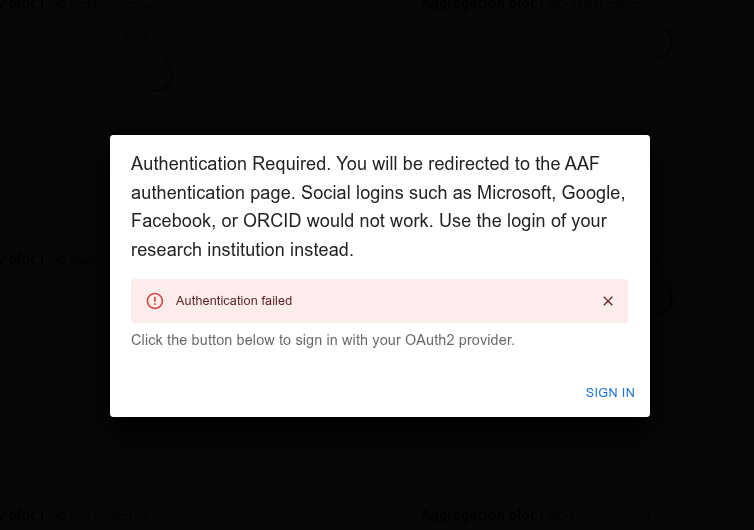
By clicking on “SIGN IN” the AAF authentication page should appear. Choose your institution (social media platforms and ORCID will not work!) from the menu and complete the authentication according to your institution’s procedure.
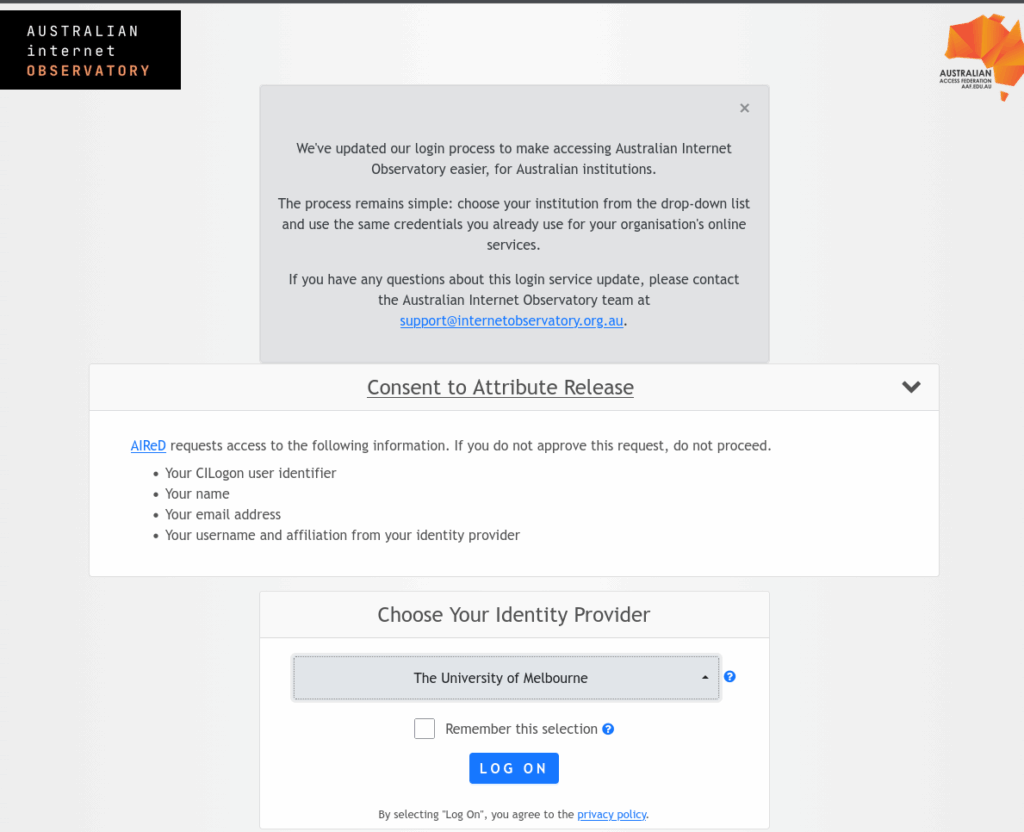
Upon successful authentication, the dashboard aggregation page will load.
Aggregation
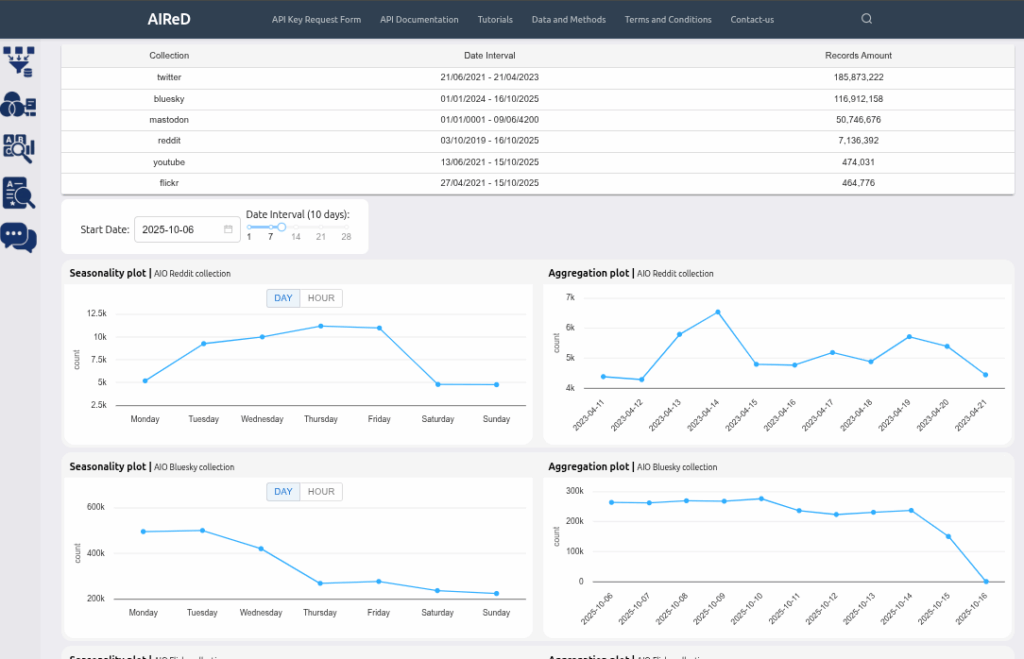
This tab enables users to aggregate data (number of social media posts) by location (only a small proportion of them have location information) , time, seasonality and language and visualize this data with a variety of plots. Users can compare aggregated data at multiple geographic levels i.e. state, greater capital city statistical area (GCCSA) and the suburb area level (SAL).
Topic Graph
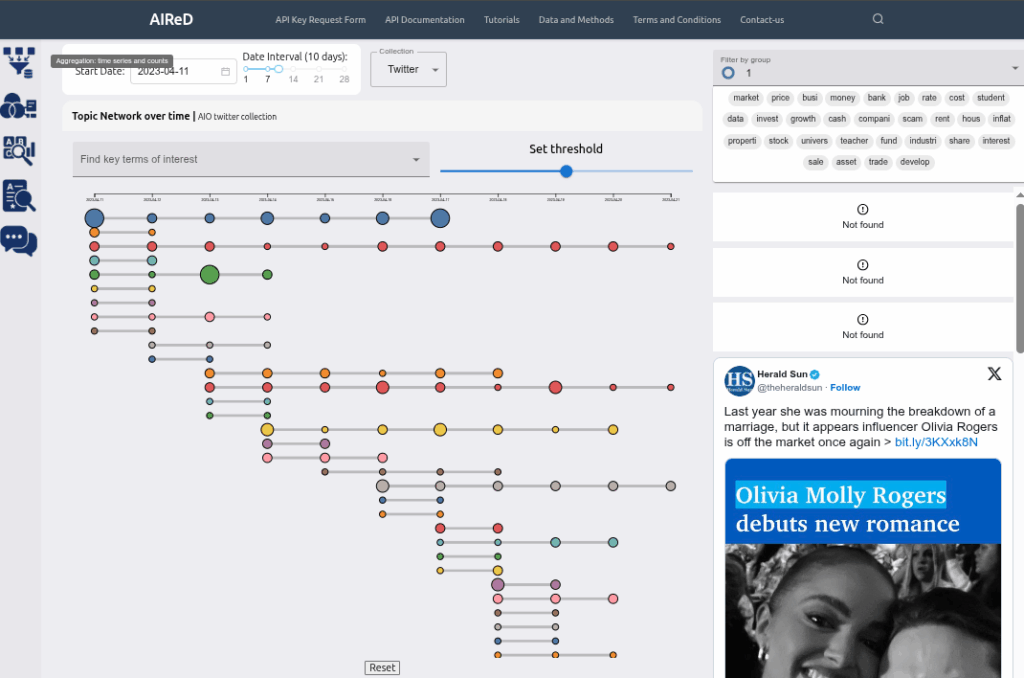
On this tab, users can interact with the results of the Topic modelling pipeline. This pipeline is “semi-live” i.e. topic modelling is conducted every day for the previous days data. Moreover a network graph is used to visualise the results of topic modelling. In the network graph, a node is a topic cluster on a given day, and edges are formed by linking similar topic clusters based on the threshold, which can be adjusted, set by the number of common terms between the clusters.
Term Analysis
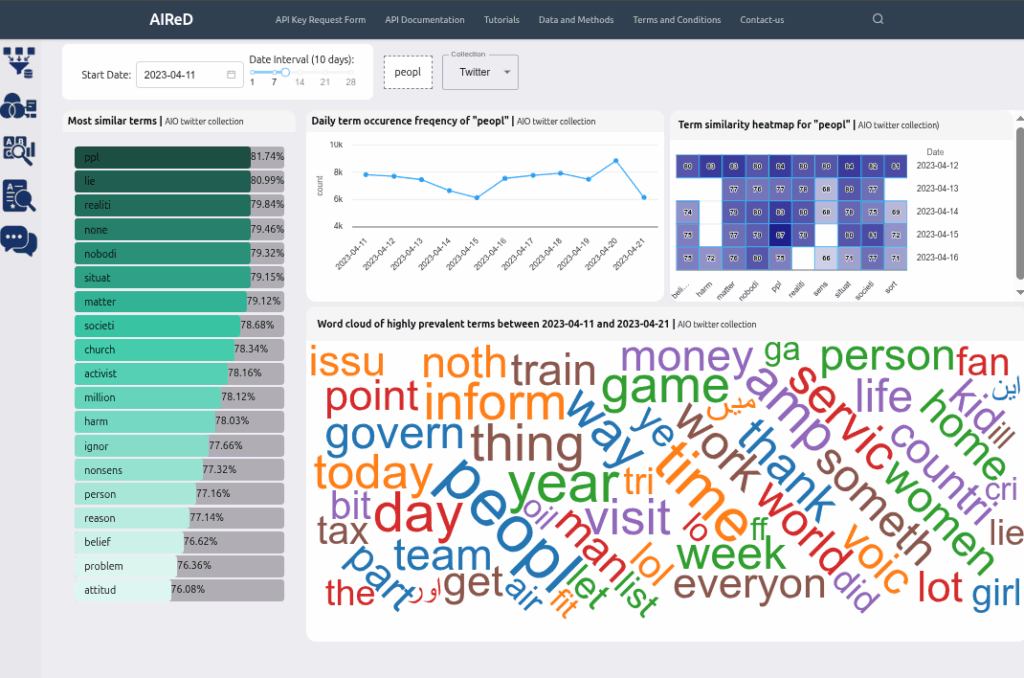
In the Topic Modelling pipeline, word embedding models are also generated from the social media corpus, constructed daily, and stored in the database. This tab on AIReD allows users to interact with these models (via the API), with query terms. Frequencies of certain terms can also be visualized by day, along with a wordcloud with visualizes the aggregate frequencies of the most common terms.
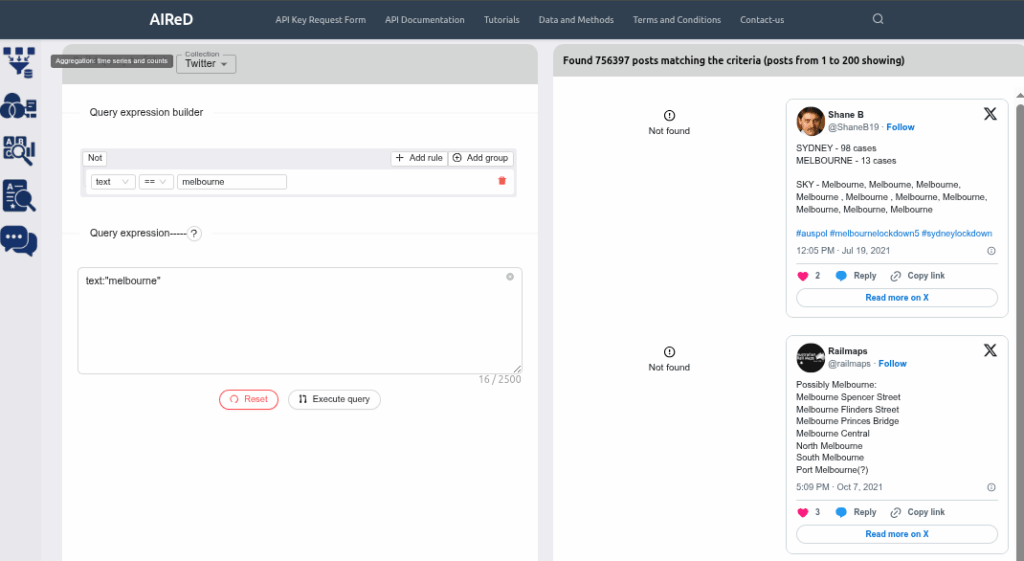
Social media Search
On this tab on AIReD, users can search for social media in the database using a context search term, and visualize some of the tweets (as well as download list post ids as a CSV file). This is a byproduct of the Topic Modelling pipeline, and the context search term is different from a string search.
Chat
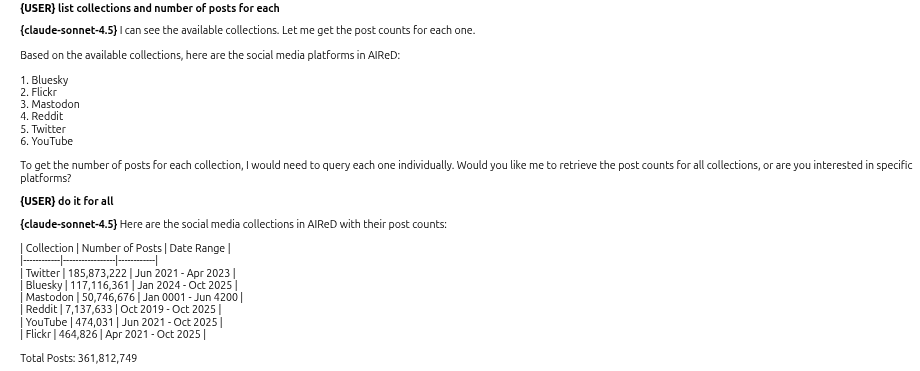
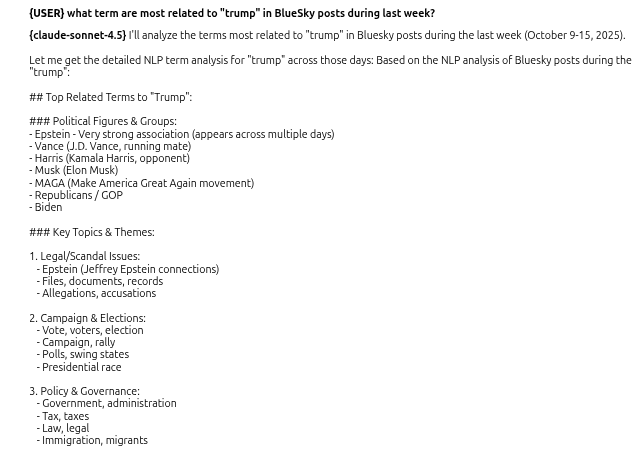
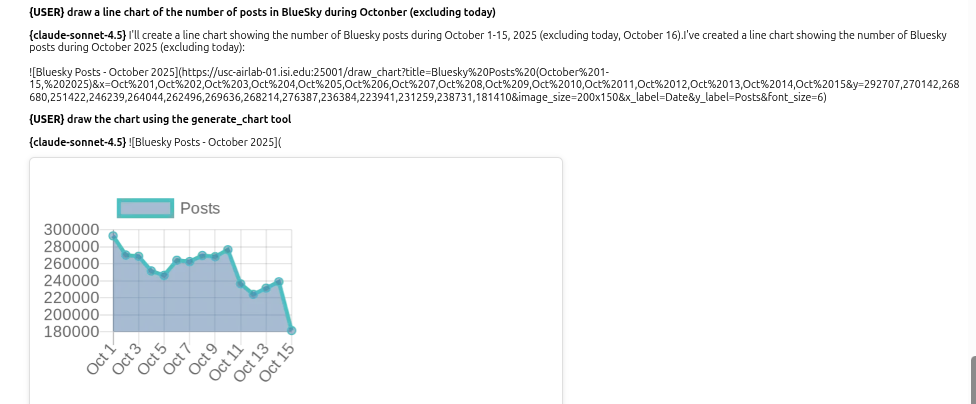
The last tab allows the user to have a dialogue with an LLM to query the social media collections. It is a way to interact with the AIReD API without having to code.
Example of interactions: